If you've sunk a hundred hours into a Football Manager create-a-club save, your club deserves better than a default template shirt. The same goes for your fantasy league team, your Ultimate Team club, or the fictional side you've been doodling since school. Give it a real identity: a kit, a badge, and a story.
Build the identity in the right order
- Colours first. Pick two club colours and an accent — this is your club's DNA across every kit you'll ever make for it.
- Badge second. Use the Badge Creator — outline, shapes, an icon that means something (your street, your dog, your gamer tag), club initials and a founding year.
- Home kit third. Classic and wearable — this is the shirt your club is known by. One pattern, two colours, badge on the chest.
- Away and third kits last. This is where you get weird: inverted colours, a loud premium pattern, the shapes tool for something nobody else has.
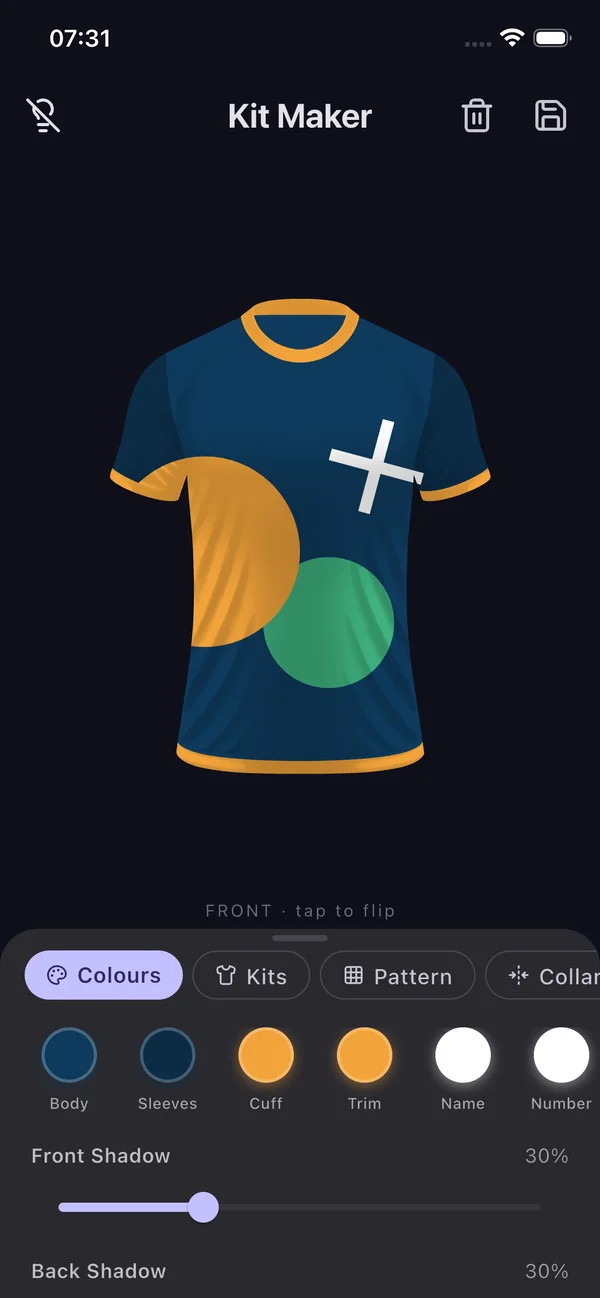
Making it feel like a real club
- Name and numbers: put your star striker's name on the back of the export — the one you signed for £2.5m from Peru who's now worth £80m.
- A kit history: each in-game season, tweak the kit slightly (new sponsor, adjusted trim) and save it. After a few seasons you'll have a genuine kit lineage like a real club.
- Squad content: exporting kit images makes save-updates on Reddit and X massively more engaging than screenshots alone.
Fantasy leagues too
The same workflow works for fantasy football — design a kit in your mini-league's colours, stick your team name on it, and set it as the league group photo. Someone will be annoyed. That's the point.
Tip: Save the badge and every kit variant in the app — when your save reaches the Champions League, design a special European night kit. You've earned it.
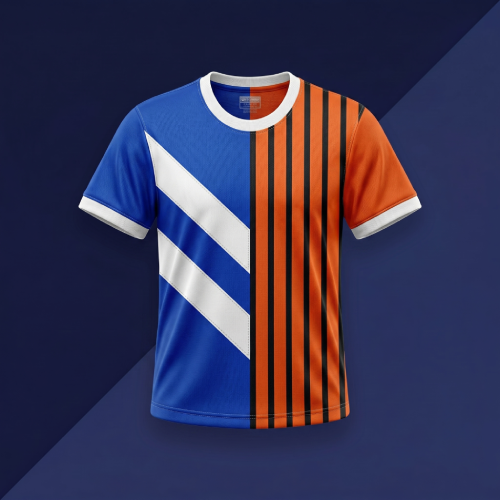
Design your club's identity
Kit + badge + name and number — everything your create-a-club save deserves, free.